Letters and early literacy
Explore alphabet activities with visual prompts and repeatable practice. The activity format is designed for brief sessions, so children can return to a topic without navigating a long course.
A bright collection of short activities for early literacy, number practice, discovery and creative play.
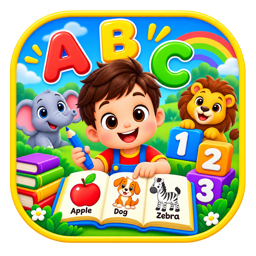
Kiddie Kiddie gives young learners a set of short, hands-on activities to explore at their own pace. Children can move between letters, numbers, colours, shapes and animals, then practise with tracing and drawing. A parent dashboard and child profiles help keep the experience organised for a household.
Explore the app screen by screen. Select any image to open a larger view.
Feature details based on the app description and available product materials.
Explore alphabet activities with visual prompts and repeatable practice. The activity format is designed for brief sessions, so children can return to a topic without navigating a long course.
Build familiarity with early concepts through focused activities. Separate sections make it easy for a parent or child to choose a topic and move between number recognition, colour and shape discovery, and animal learning.
Tracing activities offer guided practice with shapes and letter forms, while drawing gives children a more open-ended way to create. The mix supports both structured repetition and free exploration.
Set up a child profile and use the parent dashboard to see the app’s learning areas and progress context. The app is intended as a companion for family learning time, with an offline-first desktop workflow.
The app includes letters, numbers, colours, shapes, animals, tracing and drawing activities.
No. It is an activity app for extra practice and exploration, not a complete curriculum or a substitute for adult guidance.
The learning activities are designed for local use on Windows without requiring an always-on cloud connection.
See the current listing, availability and requirements on Microsoft Store.