Free on Microsoft Store

Your Business Hub.
Offline. Private.
Always Yours.

SmallBizzCMS is the all-in-one business information manager built for small businesses and sole traders. Contacts, expenses, documents, tasks, and more — all stored on your computer with zero cloud, zero subscriptions, and zero tracking.

12+
Business modules
100%
Offline
$0
Forever free
SmallBizzCMS — Dashboard
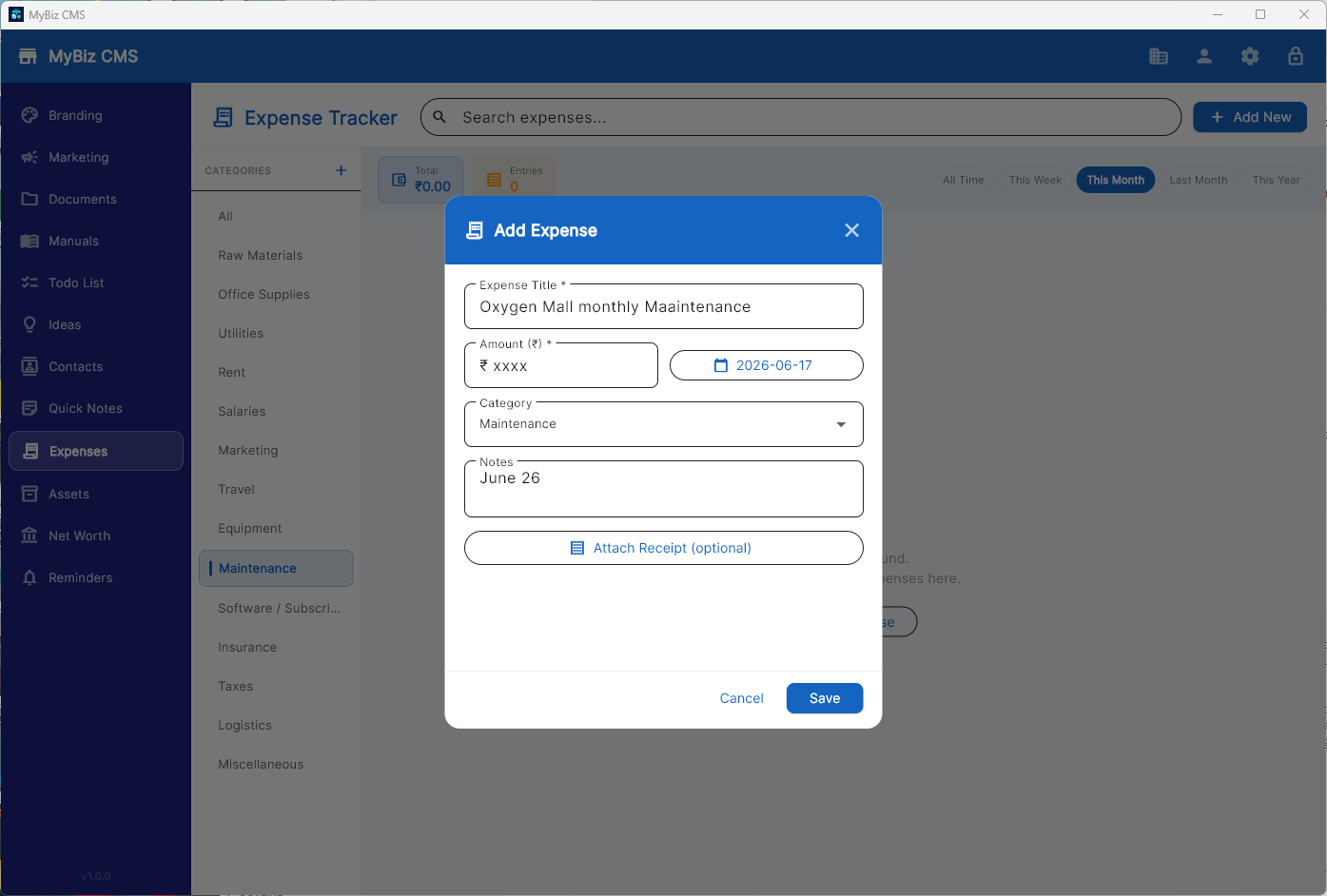
SmallBizzCMS — Expense Tracking
🔒 No data collection
📡 No internet required
💳 No subscription
🏪 Microsoft Store verified
🔑 PIN lock protection
💻 Windows 10 & 11
Everything you need

One app. Every tool your business needs.

Stop juggling spreadsheets and scattered notes. SmallBizzCMS brings your entire business operation into one clean, fast, offline application.

🏢
Business Info Hub
Store your company details, taglines, operating hours, and core business profile in one always-accessible place.
👥
Contacts Manager
Manage clients, suppliers, and leads with full contact details, notes, and quick-access search.
💰
Expenses & Net Worth
Track business expenses by category, monitor your asset and liability portfolio, and watch your net worth grow.
📁
Document Vault
Attach and organize important business documents — contracts, invoices, certificates — with instant preview and open.
Tasks & Kanban Board
Manage your to-do list and visualize project progress with a built-in Kanban board — no third-party app required.
📝
Notes & Ideas
Capture business ideas, meeting notes, and quick thoughts with rich-text notes you can find in seconds.
🎯
Marketing Assets
Store and organize your ad copy, campaign briefs, social media content, and marketing collateral.
🎨
Brand Asset Library
Keep your logos, brand colors, fonts, and style guide assets in one organized, accessible library.
📚
Manuals & Guides
Attach SOPs, training manuals, and reference guides — your team's knowledge base, offline and always available.
Reminders
Set reminders for renewals, follow-ups, and deadlines. Never miss an important business date again.
✏️
Drawing Canvas
Sketch wireframes, diagrams, and quick mockups with a built-in freehand drawing canvas.
🔐
PIN Security
Protect your sensitive business data with an optional PIN lock that activates whenever the app is closed.
See it in action

Clean. Fast. Yours.

A beautiful, distraction-free interface that keeps your business data front and center. Six color themes to match your style.

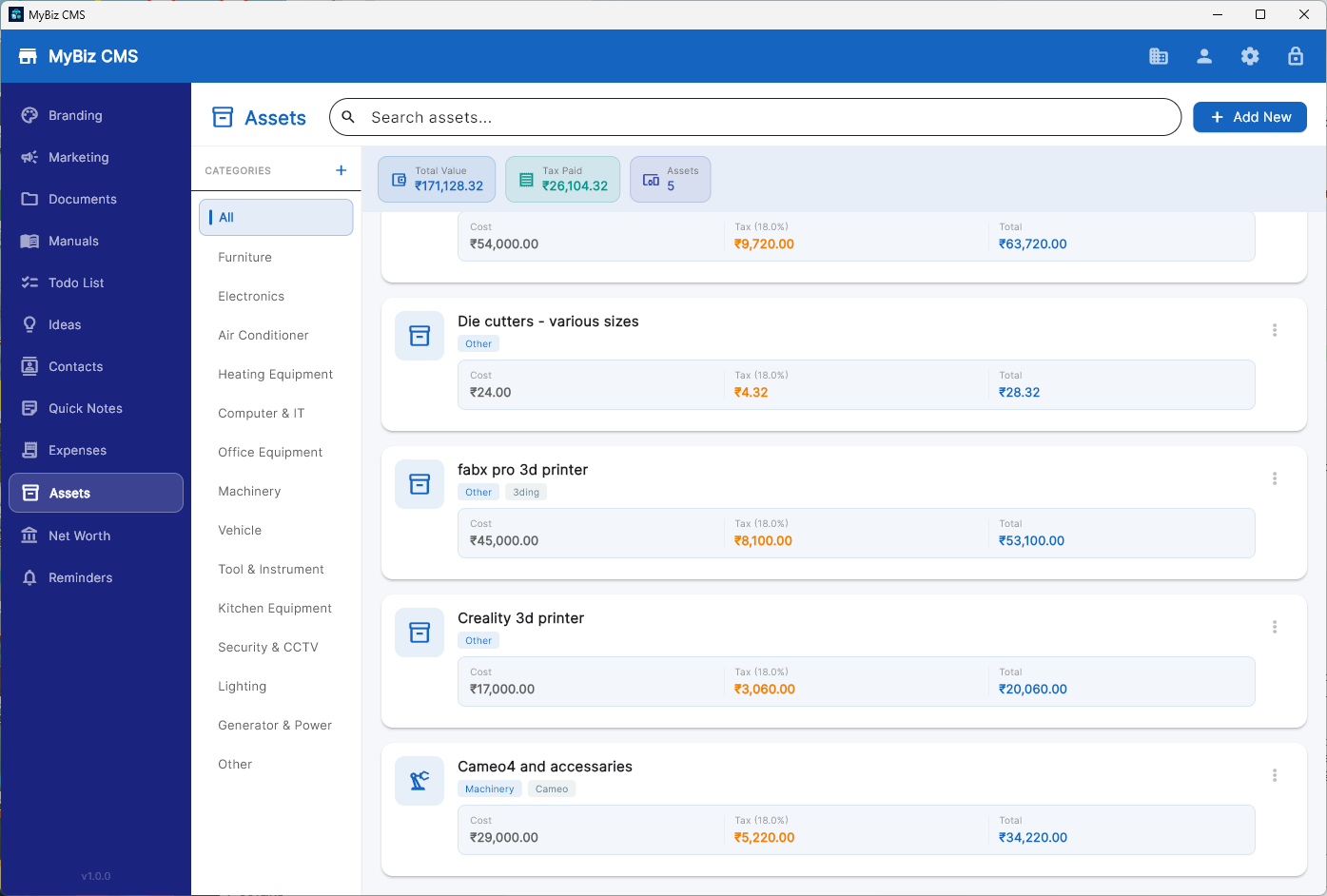
SmallBizzCMS — Asset Management
Asset Management Track equipment, assets, warranty dates and costs at a glance
SmallBizzCMS — Expenses Tracker
Expenses & Net Worth Categorise spending and monitor your financial health
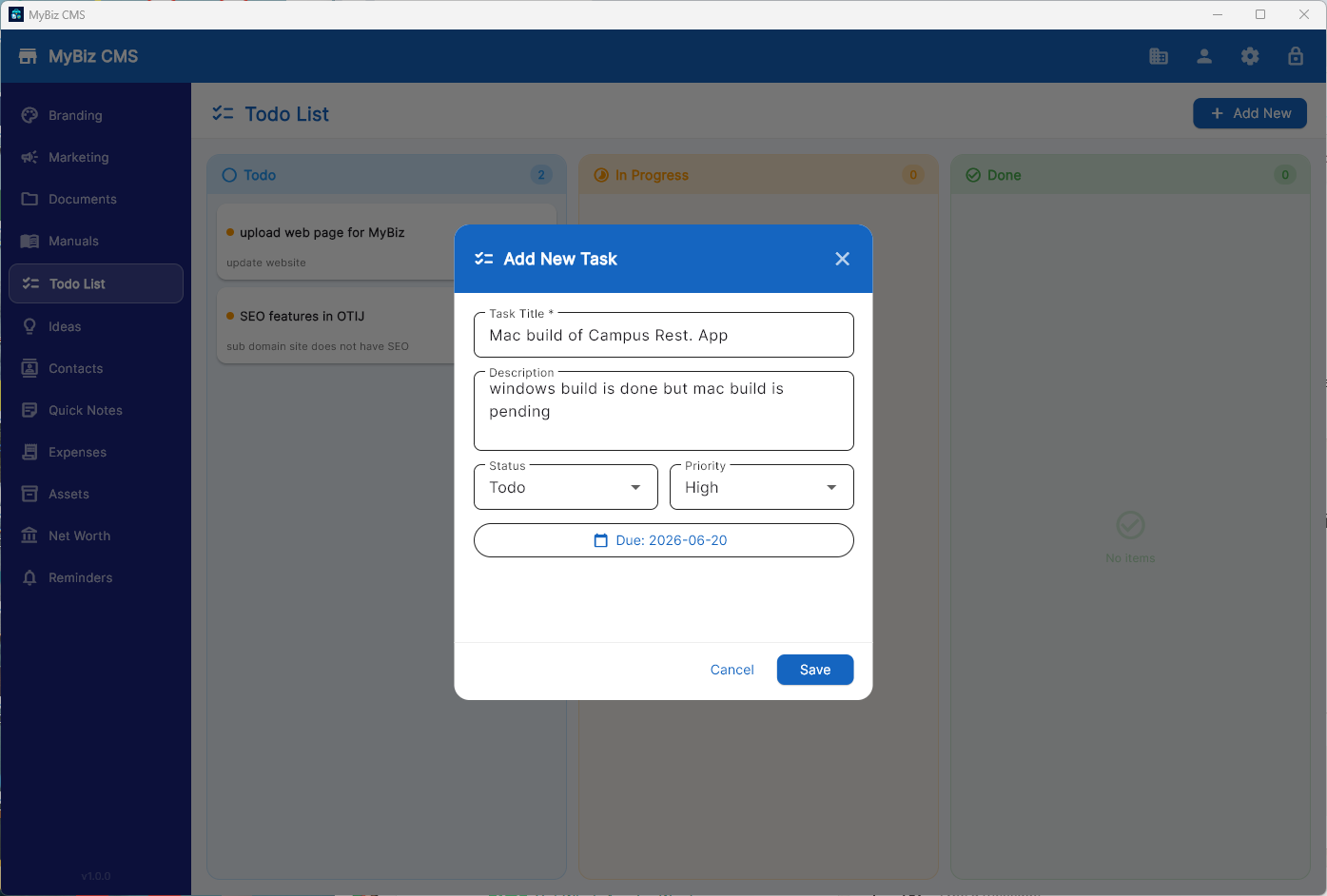
SmallBizzCMS — Tasks & To-Do
Tasks & To-Do Built-in task manager keeps your daily work organised
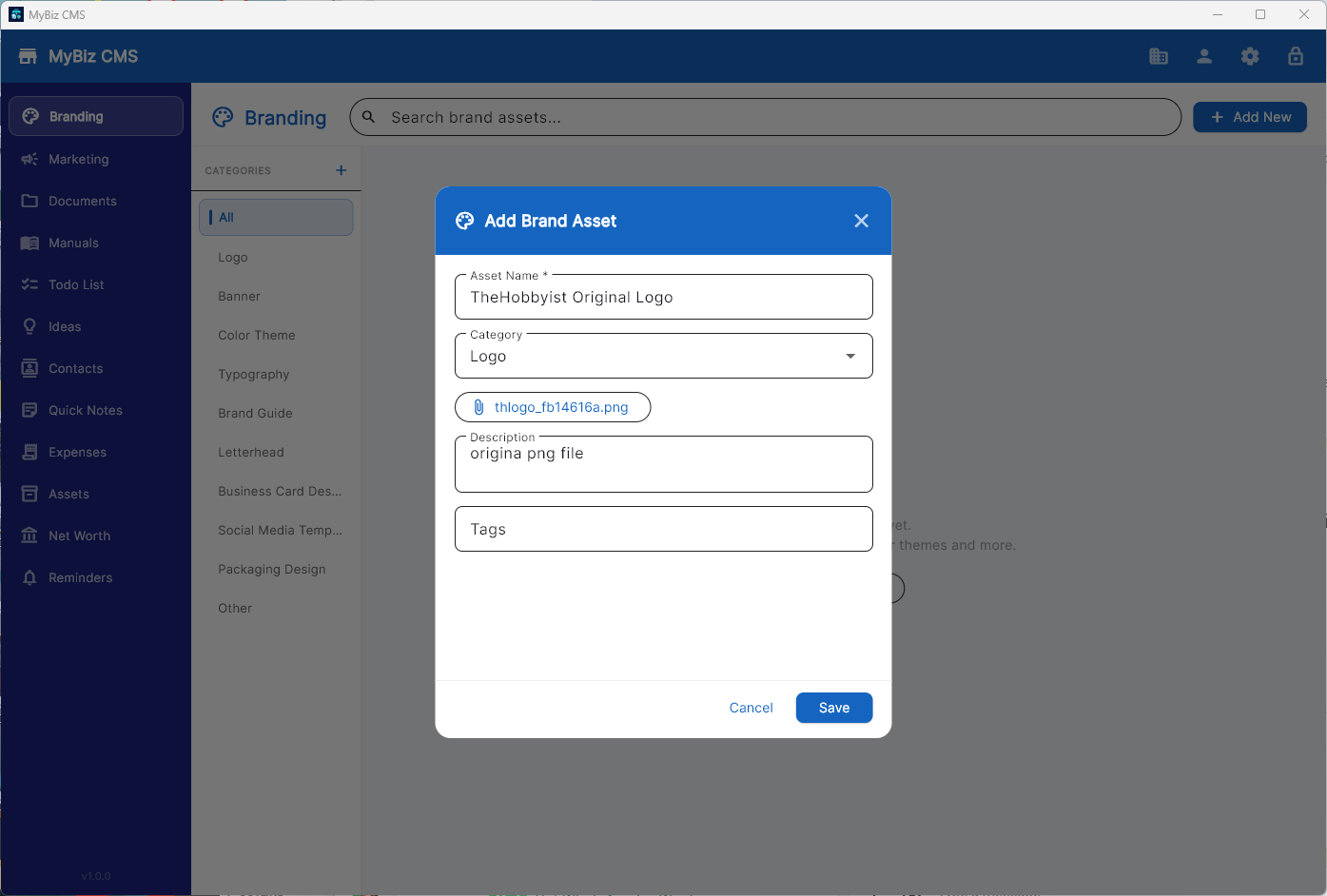
SmallBizzCMS — Branding Assets
Brand Asset Library Store logos, colour themes, banners and brand files
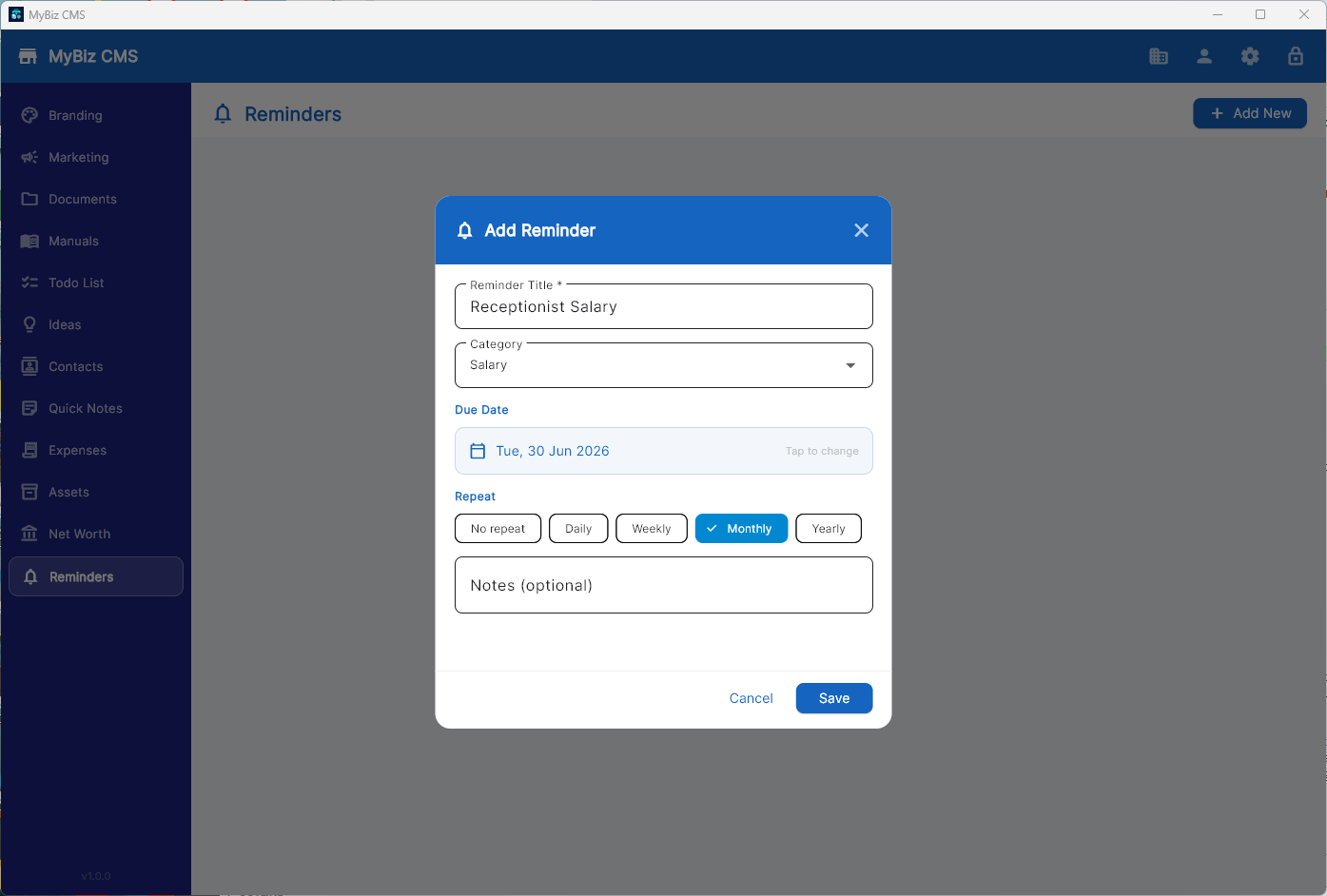
SmallBizzCMS — Reminders
Reminders Never miss a renewal, deadline or follow-up
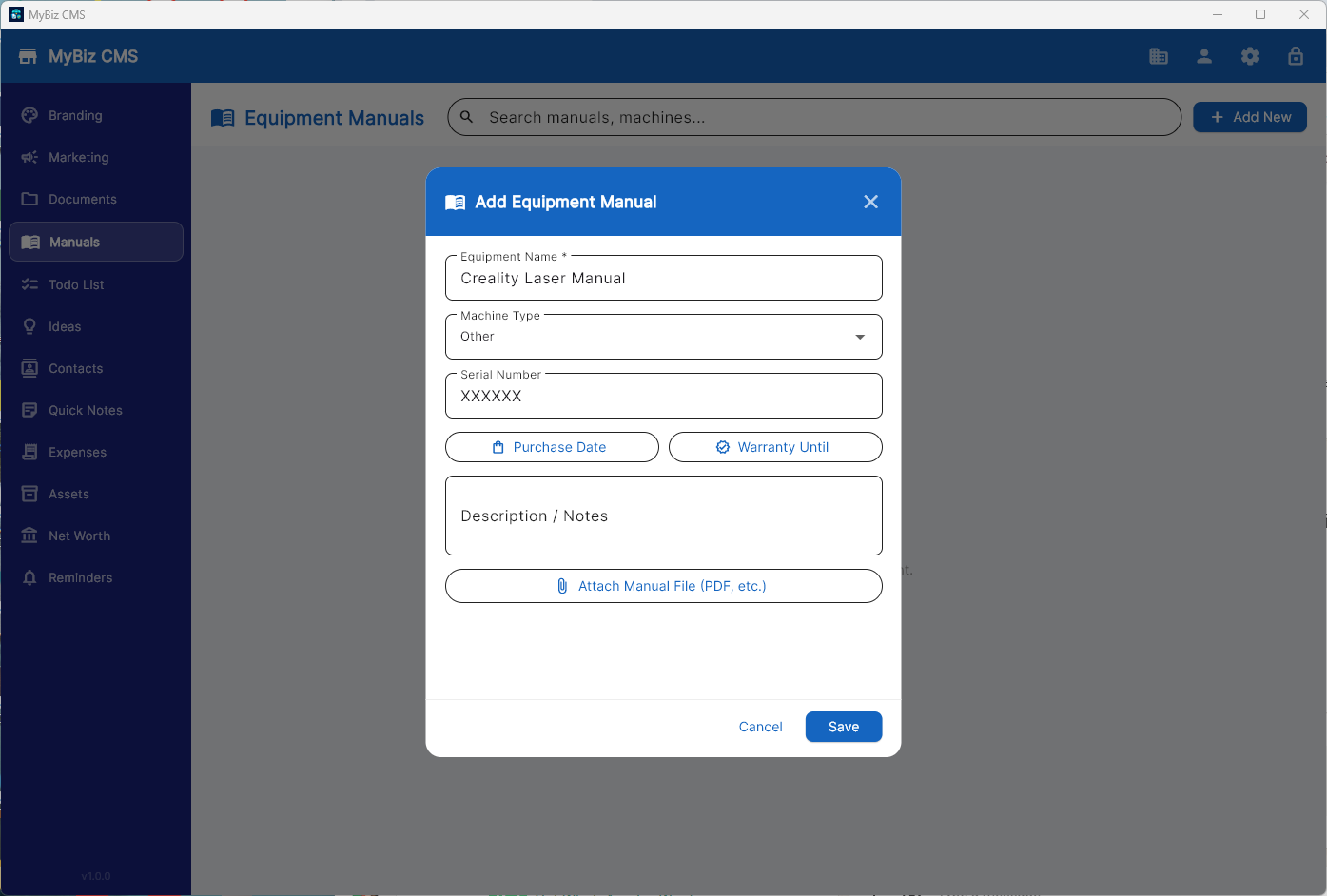
SmallBizzCMS — Equipment Manuals
Equipment Manuals Store manuals with serial numbers, warranty and purchase dates
Privacy First

Your data lives on
your computer.
Nowhere else.

In a world where every app wants to "sync to the cloud," SmallBizzCMS takes the opposite stance. Your business data is private. It stays on your machine. Period.

  • No account or sign-in required — ever
  • No analytics, telemetry, or crash reporting
  • No internet connection required for any feature
  • Data folder is fully under your control — back it up anywhere
  • Uninstall cleanly with zero data left on external servers

Read full privacy policy →
🔒

Zero Data Exposure

Everything you type stays within your Windows profile. No packets leave your machine through our application.

LOCAL Your data → Local SQLite database on your drive
LOCAL Files → Your chosen data folder
LOCAL Settings → Windows local app data
NEVER Internet, cloud, analytics — none
Personalization

Six themes. Your choice.

Switch between six carefully designed color themes to match your brand or simply your mood. Light and dark options included.

Ocean Blue
Forest Green
Royal Purple
Sunset Orange
Slate Dark
Rose Gold
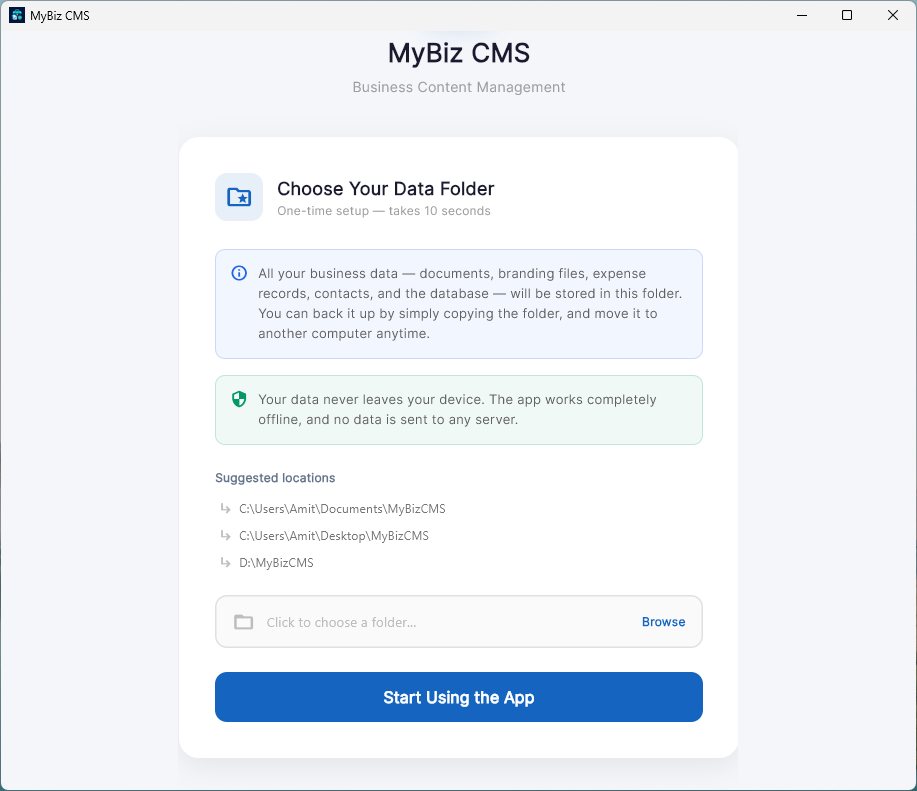
SmallBizzCMS — First-time data folder setup
📂
Your data folder, your choice
First-time setup takes under 10 seconds. Pick any folder on your drive — the app does the rest.
Free Download

Download SmallBizzCMS

Available on the Microsoft Store for Windows 10 and Windows 11. Free forever. For a Mac OSX build, contact amit@thehobbyist.in.

Requires Windows 10 version 1803 (17763) or later.  ·  Privacy Policy  ·  License & Disclaimer

Common questions

Frequently Asked Questions

Everything you need to know about SmallBizzCMS.

Is SmallBizzCMS really free?
Yes, completely free. There is no trial period, no premium tier, no subscription, and no in-app purchases. The app is free to download from the Microsoft Store and free to use indefinitely.
Where is my data stored?
All your data is stored in a folder you choose on your local computer during first launch. The app uses a local SQLite database. Nothing is sent to the internet. You can move, back up, or delete this folder at any time.
Does it require an internet connection?
No. SmallBizzCMS is a fully offline application. All features work without any internet connection. The only exception is if you manually click a link (like a contact's website), which opens in your system browser.
Can I use it on multiple computers?
Yes. Simply copy your data folder to another machine (via USB drive, external hard drive, or your own cloud storage). Open SmallBizzCMS on the second machine and point it to that folder during setup.
Is my data backed up automatically?
Automatic cloud backup is not built into the app by design — we never touch your data. We recommend setting up regular backups of your data folder using Windows Backup, an external drive, or an encrypted cloud storage service of your choice.
What happens when I uninstall the app?
Uninstalling removes the application binaries only. Your data folder is not touched — it stays exactly where you put it. To permanently delete your data, delete that folder manually after uninstalling.
What Windows versions are supported?
SmallBizzCMS supports Windows 10 version 1803 (build 17763) and all later versions of Windows 10 and Windows 11, on both Intel/AMD 64-bit and ARM64 devices.
Will there be Android and iOS versions?
Android and iOS versions are planned for a future release. The app is built with Flutter, so the codebase already supports those platforms. Stay tuned for announcements.